Blinksync.io Visual workflows for connecting apps and AI.
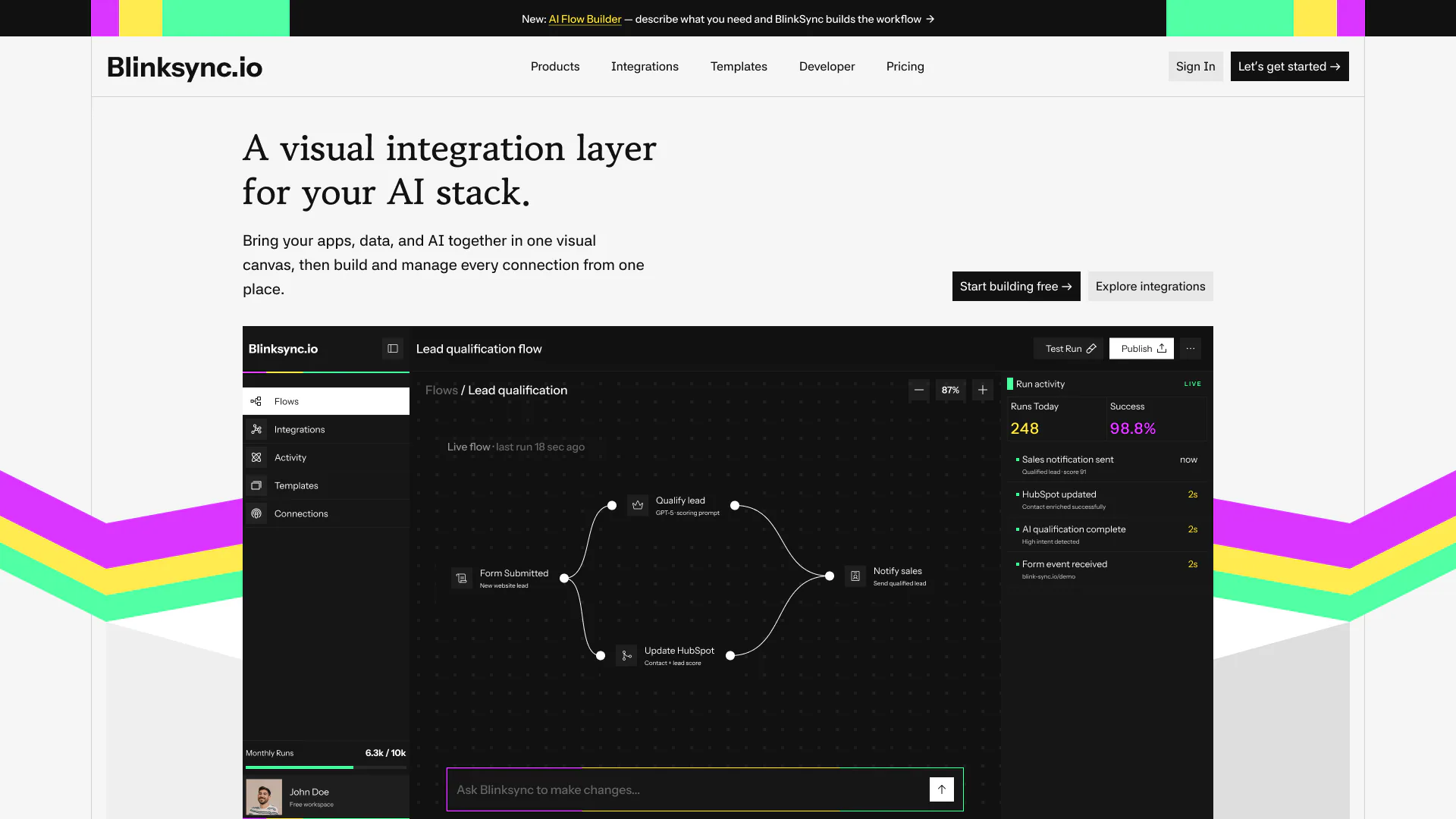
A marketing website and workflow canvas for an integration platform that connects apps, data and AI in one visual builder.
At a glance
- Type
- Website + workflow builder UI
- Role
- Website and product UI design
- Tools
- Figma
- Tags
- SaaSWebsite DesignWeb App
- Deliverables
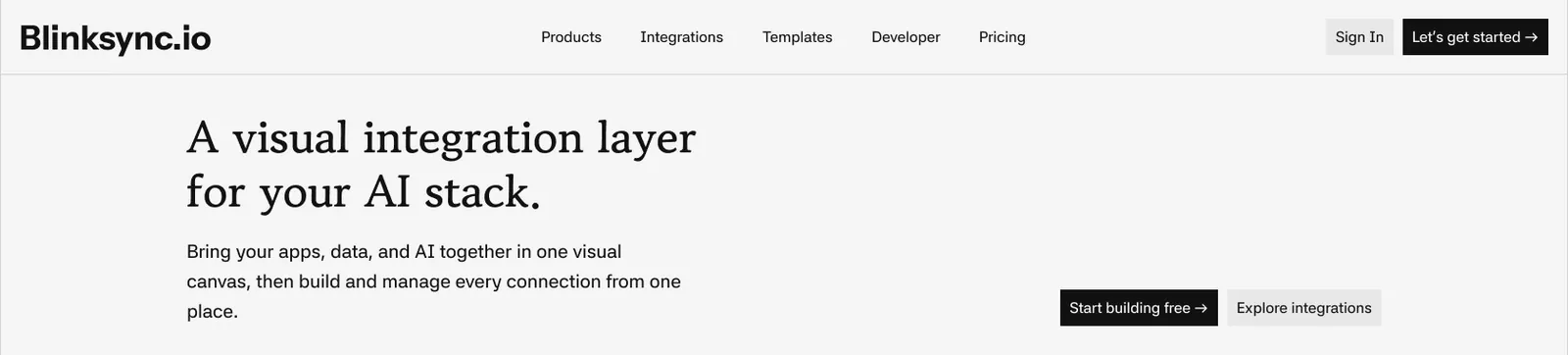
- Marketing websiteWorkflow canvas interface
Overview
Blinksync connects apps, data and AI on a single visual canvas. Two problems shape the design: explaining an abstract product, an integration layer, to buyers in one screen, and giving builders a canvas that stays readable as workflows grow.
This project covers the marketing website and the workflow builder. The two share a bold, simple identity: a stripe motif in magenta, yellow and mint over an otherwise restrained interface.
Key decisions
Key design decisions
Website
Show the product in the hero
Instead of abstract diagrams, the hero shows the real canvas with a lead-qualification flow, so the value is visible before a visitor reads a word.
Builder
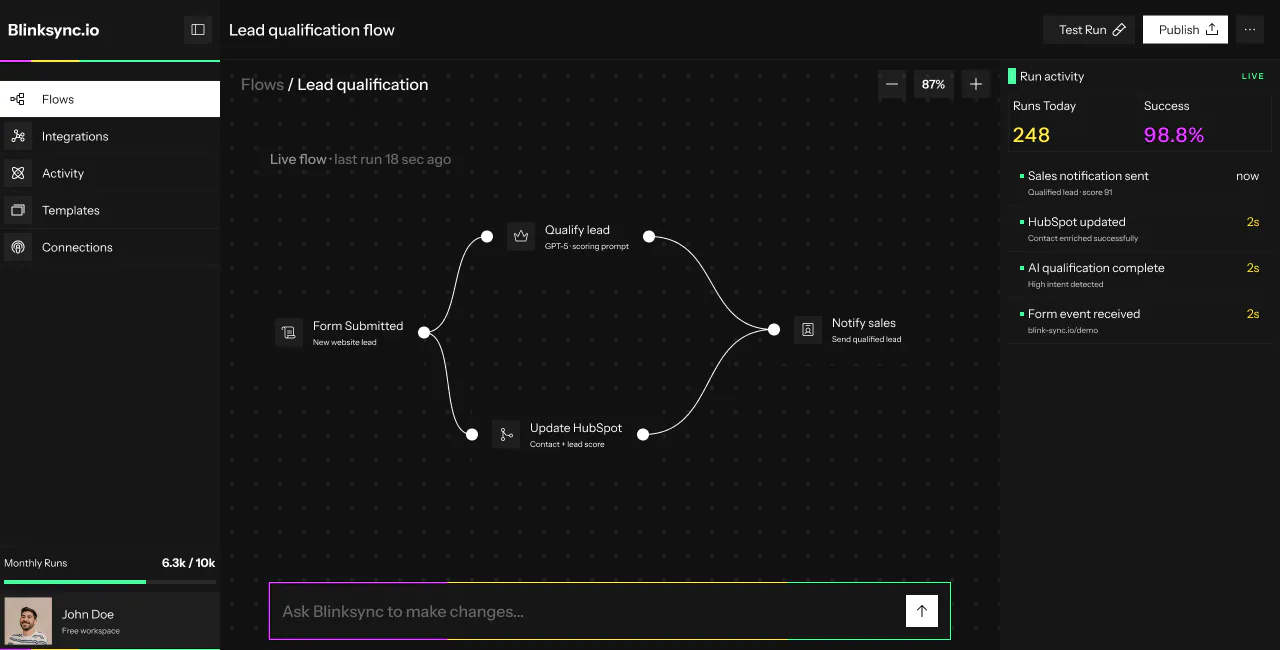
A canvas with a clear reading order
Flows read left to right, from a trigger such as a submitted form, through a decision, to actions such as updating a CRM or notifying sales. Every node carries a name and a one-line description.
Builder
Live feedback beside the canvas
A run-activity panel shows runs today, success rate and the latest events with timings, so a builder can confirm a flow works without leaving the canvas.
Builder
Ask for changes in plain language
A prompt bar under the canvas lets builders describe a change instead of rebuilding by hand, while Test Run and Publish stay in the header where they are always in reach.
Screens
Selected screens
What shipped
- A marketing websiteProducts, integrations, templates, developer and pricing.
- A workflow builder interfaceFlows, integrations, activity, templates and connections, with a canvas, run activity panel and plain-language prompt bar.